
Neuros OSD Review
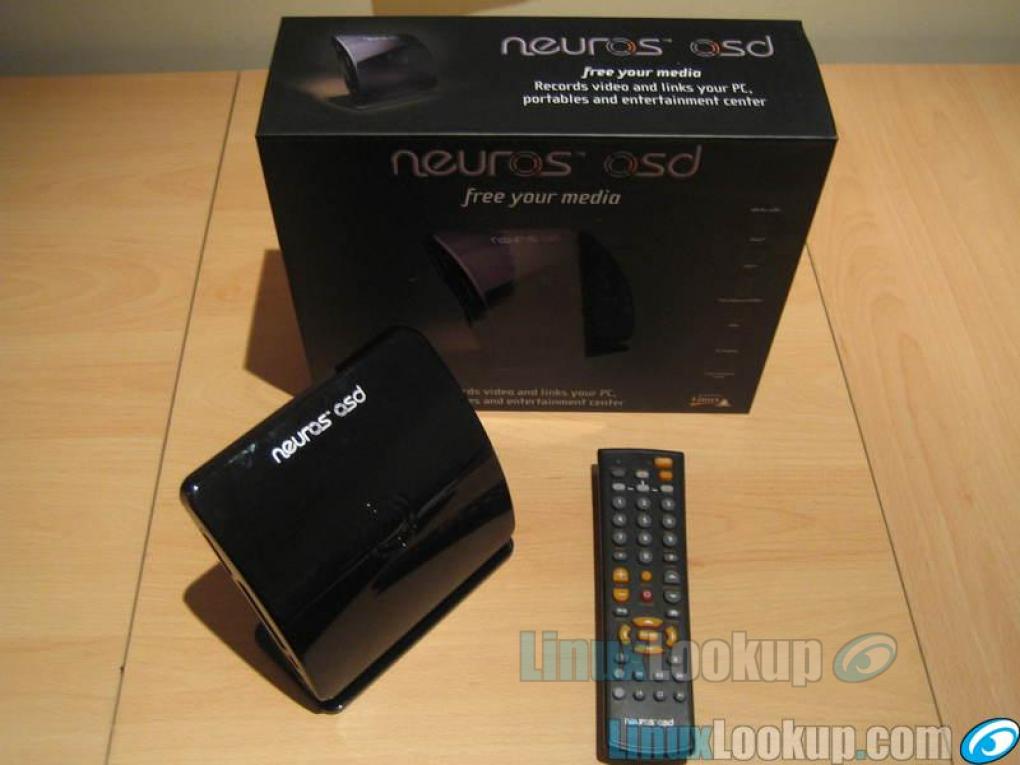
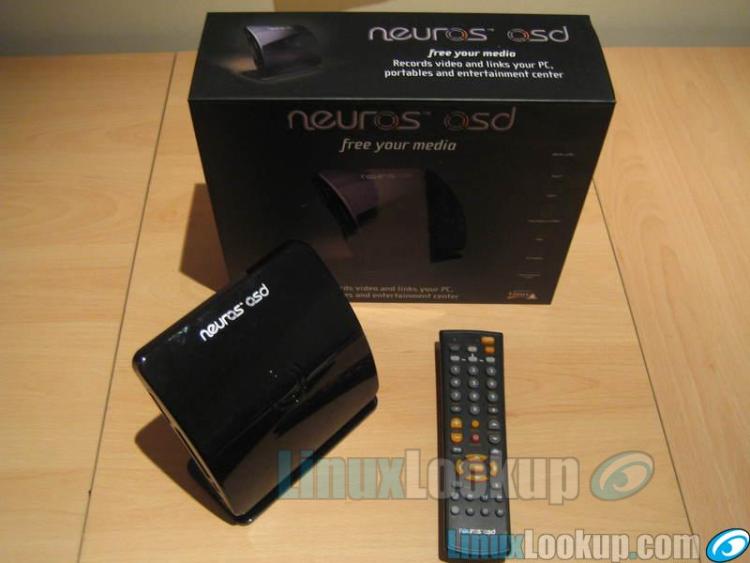
The Neuros OSD promises a lot - it claims to be the first open source Linux-based embedded media center and it "records video and links your PC, portables and entertainment center". Bold claims, but can it live up to them?
Note: This review takes a look at the Neuros OSD from both a developer and users perspective.
Package Contents
Complete System Includes
- Standard A/V RCA interface Cables (European units contain SCART adapters)
- 110-240V AC/DC Power Supply
- Stand
- IR Blaster and Serial cable
- Remote Control
- User Manual
Technical Specs
Video Standard
- Compatible with NTSC, Pal and Secam standards
Video Recording
ISO Standard MPEG-4 SP encoding (MP4, ASF, AVI extensions) with AAC-LC/MP3/G.726 audio in following resolutions:
- QCIF settings (177x144) @ 15fps for most popular mobile phones.
- QVGA settings (320x240) @ 15fps for smart phones & PDAs and 30fps for PSP, iPod & PDA's.
- WQVGA setting (368x208) @ 30fps for PSP.
- VGA setting (640x480) @ 30fps for PC, TV playback.
- D1 setting (720x480) for PC, TV playback.
Video Player
- MPEG-2 & MPEG-4 SP with MPEG-1 Layer 3 (MP3) audio, 30fps up to D1 resolution (720x480)
- WMV, DivX, XviD
- Quicktime 6; MPEG-4 AAC-LC stereo, MP4 format at up to D1 resolution
- ASF, AVI, MP4 file extensions
Photo Viewer
- JPEG decoder (baseline), BMP, GIF (non animated) Resolution up to 16M pixels (4096x4096)
- Thumbnail view (with EXIF headers)
- Zoom in/out (2x, 4x)
Audio Player
- Stereo MP3/WMA @ 30-320kbps CBR & VBR Ogg Vorbis (up to Level 6)
- Stereo MPEG-4 AAC-LC
- G.726
Features
- Schedule (timer) recording
- Transfer files between cards
- Customizable slide shows
- One-click record
USB Host
- Record to and playback content from any USB mass storage device
Ethernet
- Connect to your network
- Download content from the internet
- IR Blaster/Serial Control your set-top box
Dimensions and Weight
- 14 x 14 x 3.2cm (5.5 x 5.5 x 1.25 inches)
- Weight 230g (8oz)
Upgradeability
- System updates and 3rd party applications available at www.neurostechnology.com/support/support_updates.asp
Storage Card Compatibility
- Memory Stick: Duo and Pro Duo
- Compact Flash: Type I and Type II
- Microdrives with CF type II interface
- USB thumbdrives
- External Hard Drives
- Secure Digital (SD)
- Multi Media Card (MMC)
First Impressions
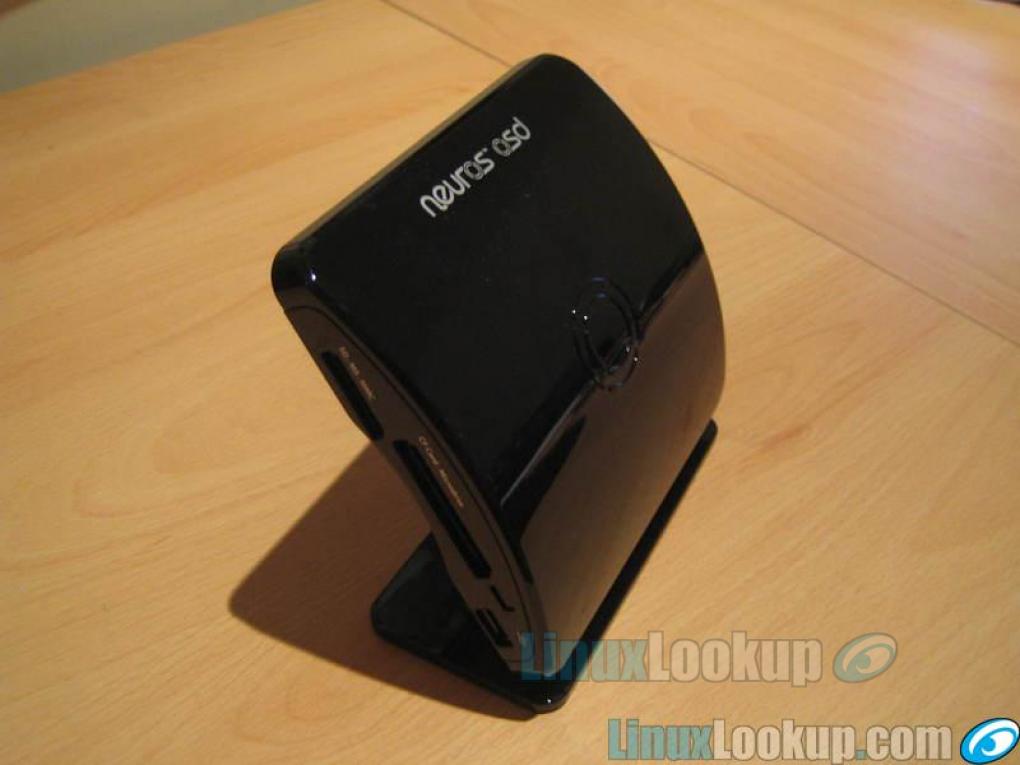
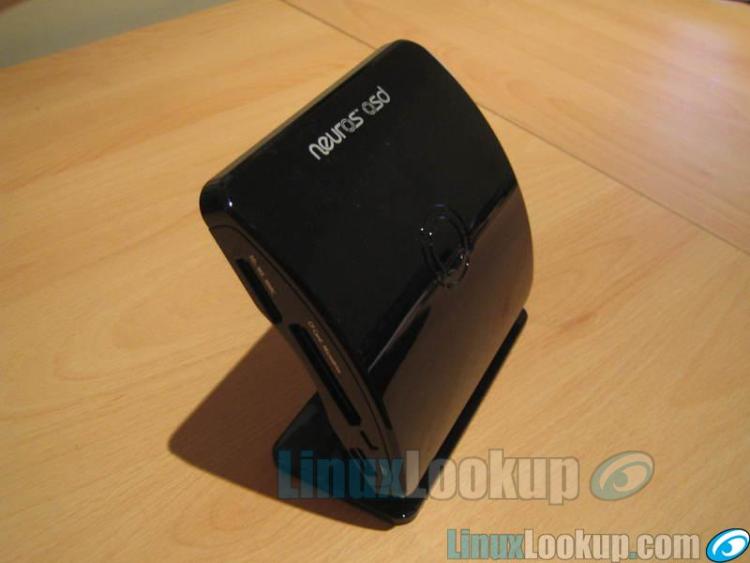
The Neuros OSD is small. Very small. At only 14cm wide, 14cm deep and 3.2cm high, it fits comfortably in just about any hole you'd care to stow it. As a Developer it's a great concept - a completely open source set top box running Linux that can be programmed to do whatever you like. Except, it's not that straight forward. While almost all of the environment is open source there are some components that are closed source, such as several kernel modules. The modules in question are related to several of proprietary onboard chipsets such as A/V encoding and decoding. It isn't ideal but it's a necessary evil, otherwise the low-spec. CPU wouldn't be able to handle the decoding to play back video, never mind the encoding!
Source Code Access
The current source code tree is openly downloadable by all - either as a nightly tarball via a standard subversion checkout. That's right - subversion, not CVS. I'm not here to discuss the benefits of subversion over CVS, or vice-versa, so let's just continue. The entire source code repository for the Neuro OSD is available via a Web Interface powered by WebSVN so if you're a curious developer and would like to take a look at the internals before committing yourself to a new gadget, then that's where you'll most likely want to head.
Tarballs, Get Your Tarballs!
Due to the size of the individual source code trees (my entire tree currently racks up 1.3GB), and the fact that you need several of them locally in order to develop for the OSD, but guys at Neuros kindly provide nightly tarballs of all the latest source code. These are automated nightly and extracted directly from the HEAD revision of the repositories, so they aren't guaranteed to compile, or work. However, there are also tarballs available for the various subversion tags that have been used to indicate version numbers. These generally compile fine, as they've been tested prior to release.
Check It Out!
As the entire repository is available for DAV at svn.neurostechnology.com, this URL can also be used for DAV based source code checkout. I won't go into the details here, but it was almost as simple as:
$ svn co svn://svn.neurotechnology.com/project/trunk project
Though of course, nothing is ever quite that simple, but don't fret as there are plenty of people online that are willing to help!
Setting Up The Build Environment
The build environment was fairly tricky to setup, but not for the usual reasons. I usually have issues with libraries, binaries, or some other software that for whatever reason just won't work. However, this time it was something different - my kingdom for a null-modem cable!
Compiling The Source Code
Compiling the source code for the Neuros OSD was a breeze as the thoughtful Neuros OSD developers have included just about everything you could need, in terms of software, to get it up and running in no time. There has even been talk of a Ubuntu based scratchbox system for development to occur within, to allow non-Linux users an easy ride too. That all worked fine, and I have no complaints about it, but...
If Only It Was That Simple...
That's right, there is a but. The current environment just doesn't work for me. I have everything setup as I've been told to, and the Neuros OSD does boot from tftp as it should, so the kernel's fine, but can I get it to actually work with the source tree that I've built? No siree. People have tried to help me, but ultimately I lost patience with it. If Neuros really want people improving their device and developing innovative new software for it then they need to make sure that the development environment is easy to setup. Otherwise, like myself, it's quite possible that developers will be put off by the amount of time they need to spend head scratching and pounding their fists trying to get it working. I'm pining my hopes on the new scratchbox to alleviate these issues.
Developer Support
As developers are (fortunately) only human, they sometimes make mistakes, or have trouble making sense of things. As such, it's good to have people and information to fall back on and as luck would have it we have some sources that can be (mostly) relied on to lead us through the darkness.
Wiki
Wikis are great, aren't they? Full of useful information, sometimes useful, at least. Lots of great HOW-TO guides and walk throughs for whatever you need ... that mostly work, until they're out of date. The OSD Wiki is a very helpful source of information, but I wouldn't count on it being up to date, or accurate. It's certainly a good start point for solving your issues, it's possible that somebody has had the same issue that you're experiencing and they then found a solution, which is documented on the Wiki.
Mailing List
As with all mailing lists, the Neuros OSD is full of people asking for help, or those providing the help. Those asking the questions are often new to the OSD looking for help setting up their build environment, or for information related to the API for the Neuros. The guys who know their stuff (lots of these folk are developers at Neuros) are able to help with just about every problem that people have thrown at them - even some of the truly bizarre!
IRC
When you absolutely need an immediate fix for something, or just don't want to wait for people to check their e-mail before finding out what to do then IRC is the place to go. #neuros on irc.freenode.net is a great hangout for other Neuros developers where I'm sure you'll find somebody to tell you what's wrong with your setup, or what you're doing wrong.
Hooking It Up
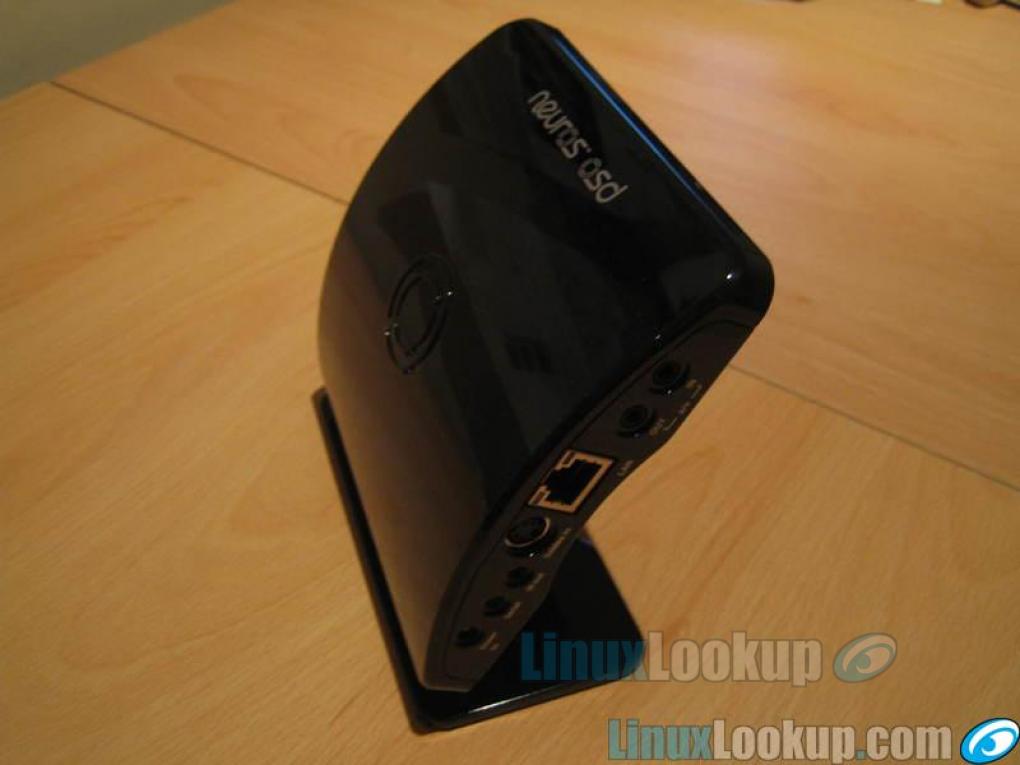
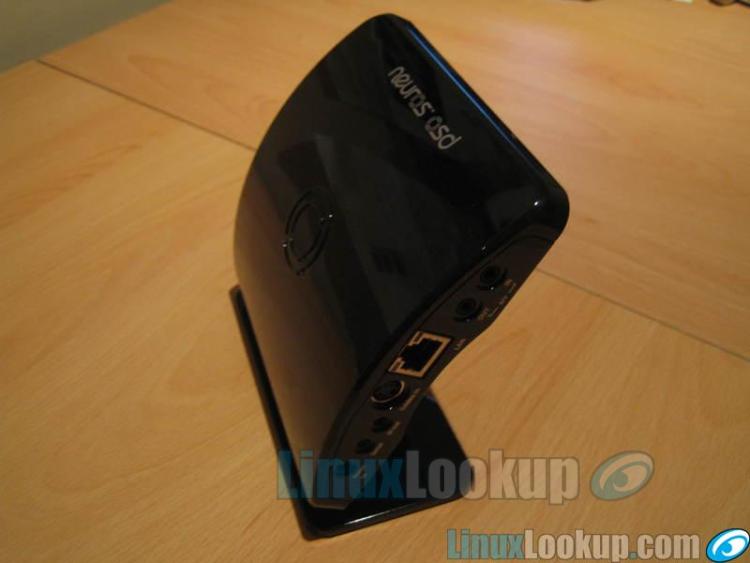
I like gadgets where I don't need to look at the user guide. I don't want to have to look through pages and pages of manual to find out where cable A plugs into port B, etc. You know what I mean, it's just plain annoying. Thank god there's none of that nonsense with the Neuros OSD! It's very easy to hook it up. It's obvious what goes where - even if the connectors look the same there's text - actual text, not tiny icons - on the side of the OSD to let you know which port is for what. Not any of that "tiny raised" text eight. This is bold and white, on a black background. I'm fairly confident in saying that anybody could set this up.
Networking
If you have a DHCP network then you're set. Just plug in some cat5 cable, turn on the OSD and it'll automatically configure itself according to your DHCP server. If, on the other hand, you have a static IP reserved for the OSD then it will take you slightly longer to configure, but not much. There's a menu option devoted to setting up your network where you need to enter an IP address, and other networking details. It isn't rocket science - if you've setup a static IP network then this will be a walk in the park for you.
Recording Video
The OSD doesn't have an onboard hard disk, so you'll need somewhere to record your input to. The choices are simple, and are detailed below:
- USB mass storage device
- Memory card/stick
- Network (NFS, SMB, etc.)
There's a red button in the middle of the remote control that says "RECORD" next to it. Press this button. You'll then be presented with some options related to exactly where you'd like to record the input source too (ie. memory card, USB drive, etc.), which format you'd like to use, the resolution etc. It's possible to tune the parameters and record in a specific resolution, with a particular codec, at a certain number of frames per second. However, I doubt most people will want to do this, and I think Neuros must have considered this too, because they offer some very handy presets to allow you to record quickly. For instance, select "PSP" as the target device and the Neuros automatically chooses the codec, the resolution and the number of frames per second that the device uses for its video output. Very handy. They also include presets for the video iPod, among others. So once you've chosen your target device, and your destination you press the "Enter" button on the remote and off it goes, recording for your viewing pleasure. mSP presets, likewise for iPod and others
USB Mass Storage Device
A lot of USB devices are mass storage devices - not all, but many. In particular those that are dedicated to storage. These will all work "out of the box" with the OSD and you can easily record to them to take away. Thankfully USB thumb/pen drives usually fall into this category.
Memory Card/Stick
Supporting many different memory cards makes it very easy to record directly to them. As listed in the specs, the following different types are supported:
- Memory Stick: Duo and Pro Duo
- Compact Flash: Type I and Type II
- Microdrives with CF type II interface
- Secure Digital (SD)
- Multi Media Card (MMC)
Network (NFS, SMB, etc.)
Currently while the OSD connects to your home network, it isn't actually much use for connecting to network shares. Doing this has to be done via a network shell. It's easy to setup and supports NFSv3 out of the box, and later versions of the firmware support SMB too. This is all done in software, so future version will undoubtedly support many different network systems, such as streaming and the like. Thankfully, because this is done in software, it's also fixable in software. I've been reliably informed that there is constant ongoing work to improve the menu system and allow for user friendly network access.
Video Playback
I have quite a large TV - a 37" widescreen - and the playback on that screen was quite poor. Whether this was related to the widescreen issues mentioned below or the general quality of my input source I'm not sure, but I certainly won't be using the OSD to record TV for playback on my TV. On the other hand it played back quite nicely on my PC, which could indicate that the video decoder of the OSD isn't up to scratch. After testing the recording presets for the PSP I was quite happy with the result. I don't expect miracles and I wasn't presented with any, just a good quality reproduction of what I'd been watching on TV. If you're planning on buying an OSD to record TV (or any input source) for playback on a hand held device then I don't think you'll be disappointed.
Sync issues?
At high quality the recordings did have serious sync issues. The sound and video often get very out of sync and sometimes the video judders, or slows to get back to where it should be. This is something that I'm sure will be resolved in software soon enough, as the onboard chipset has sufficient grunt under the hood to make it possible.
Widescreen
My video source is widescreen and my TV is widescreen, so I'd hope that the Neuros OSD would record in widescreen. No such luck. It only appears to handle standard 4:3 ratios, or at least that's all I could manage to record. While recording everything seems fine, but upon playback the result is 16:9 resized to 4:3, which sure as hell doesn't look good.
Conclusion
It's great, it really is. Not for what it is, but what it could be. I'll grant you that in its current state it's relatively immature, but from what I've experienced within the community there are a lot of people out there who're working very hard to make this little device into something worth owning. Is it ready for "users"? No, not yet, but I don't think it will be long before it is, provided that the enthusiasm within the community remains. Is it ready for "developers"? Yes - just. The new scratchbox build environment will take the project well into developer territory, both application and kernel developers.
Gallery
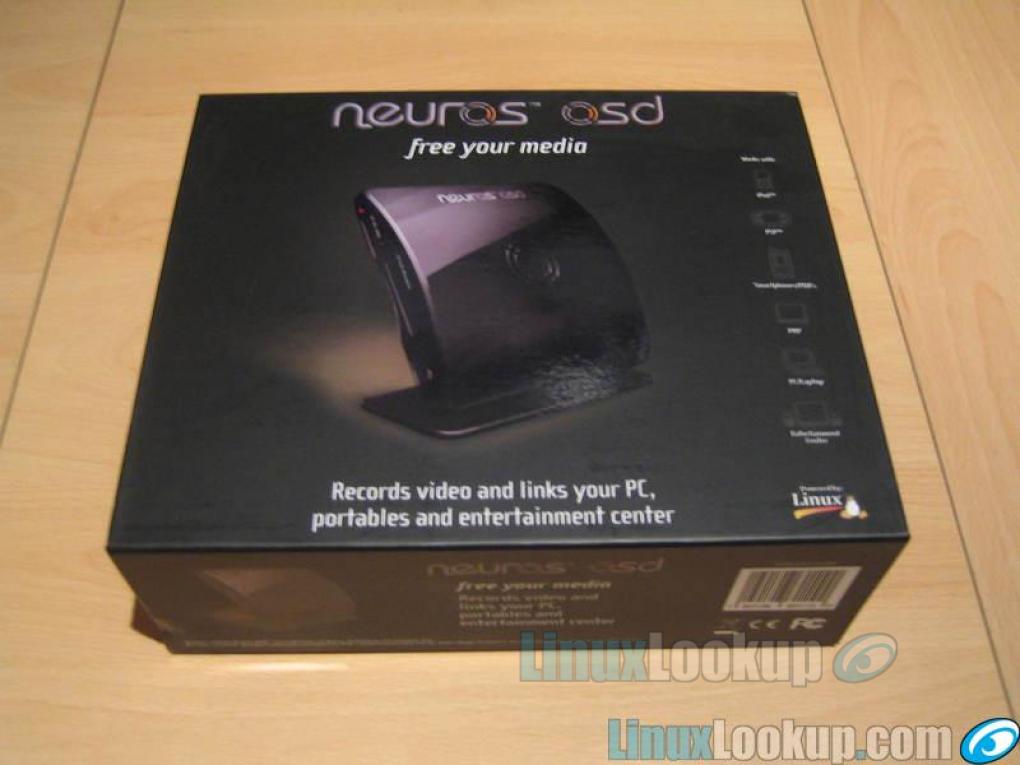
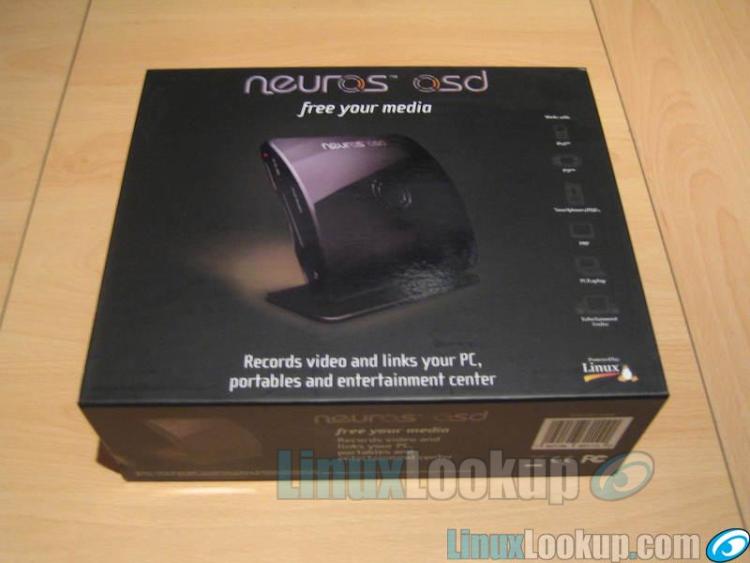
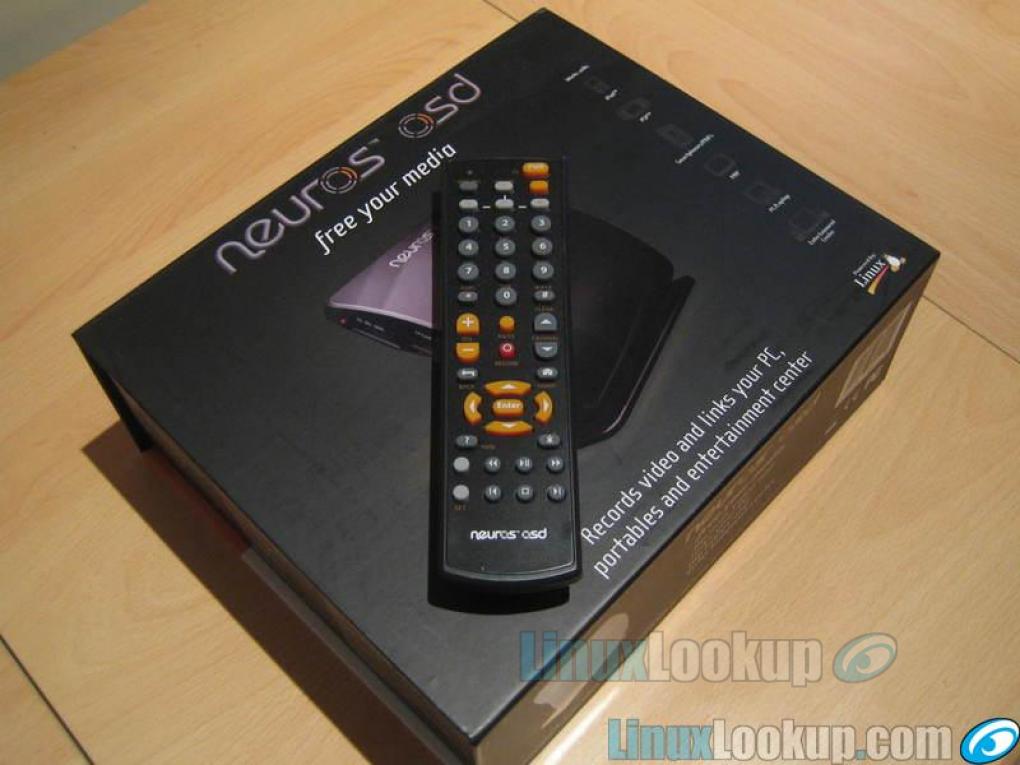
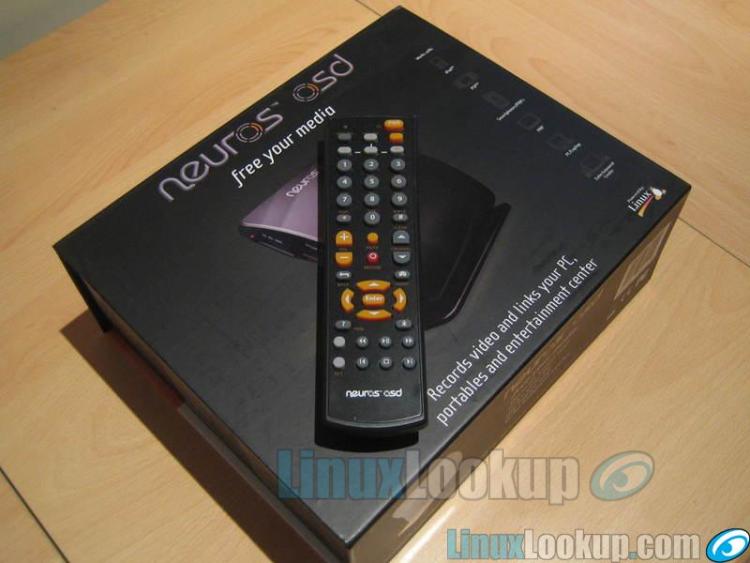
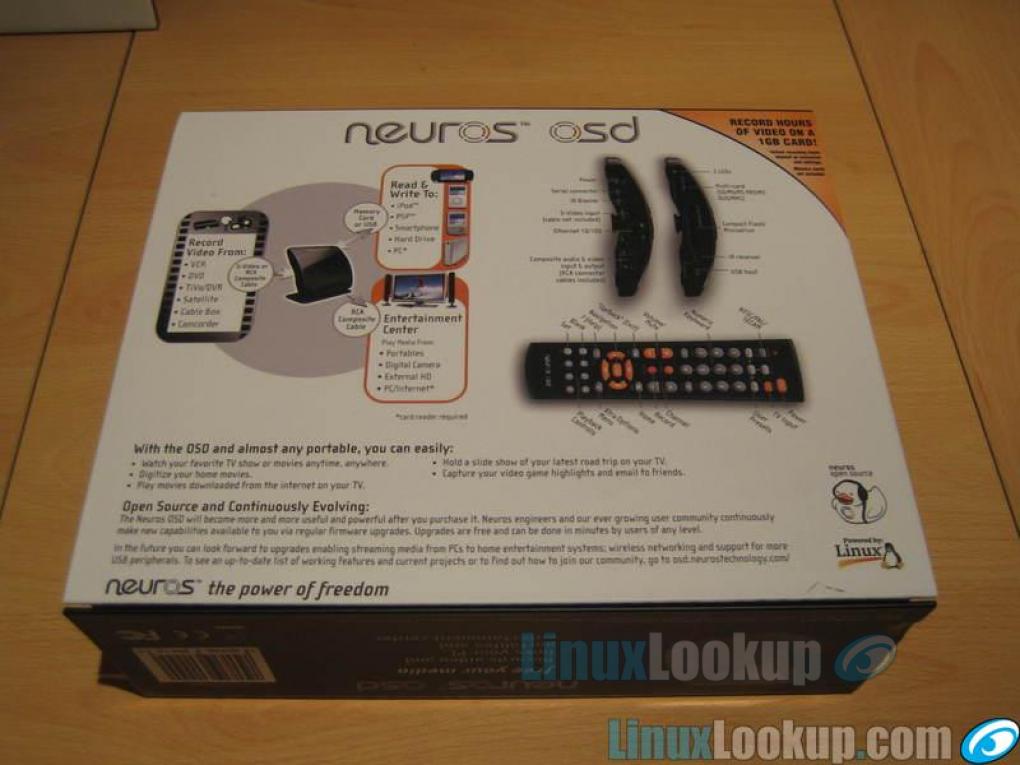
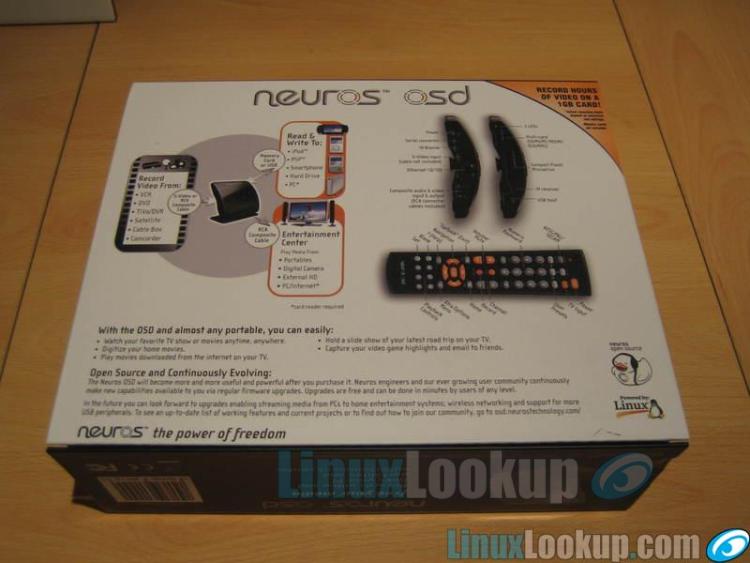
Conclusion
The Good - Pros- It's mostly open source. It runs Linux. It's tiny. Brilliant.
The Bad - Cons
- It's buggy and not entirely ready for the "normal" user. Yet.
The Ugly - Issues
- Some errors were badly handled and resulted in random crashes. Recording and playback was sometimes buggy and out of sync.
The Verdict - Opinion
It has potential. If the Neuros developers and the open source community can iron out the difficulties highlighted then the Neuros OSD can become a standard addition to every developer's media center.